
RayTerminal
Every SSH connection.
One private workspace.
Encrypted vault, split terminals, port forwarding, and optional encrypted sync — with no account to create. Add a host and connect.
Coming soon to the Mac App Store. The App Store build is SSH-only — no local shell.
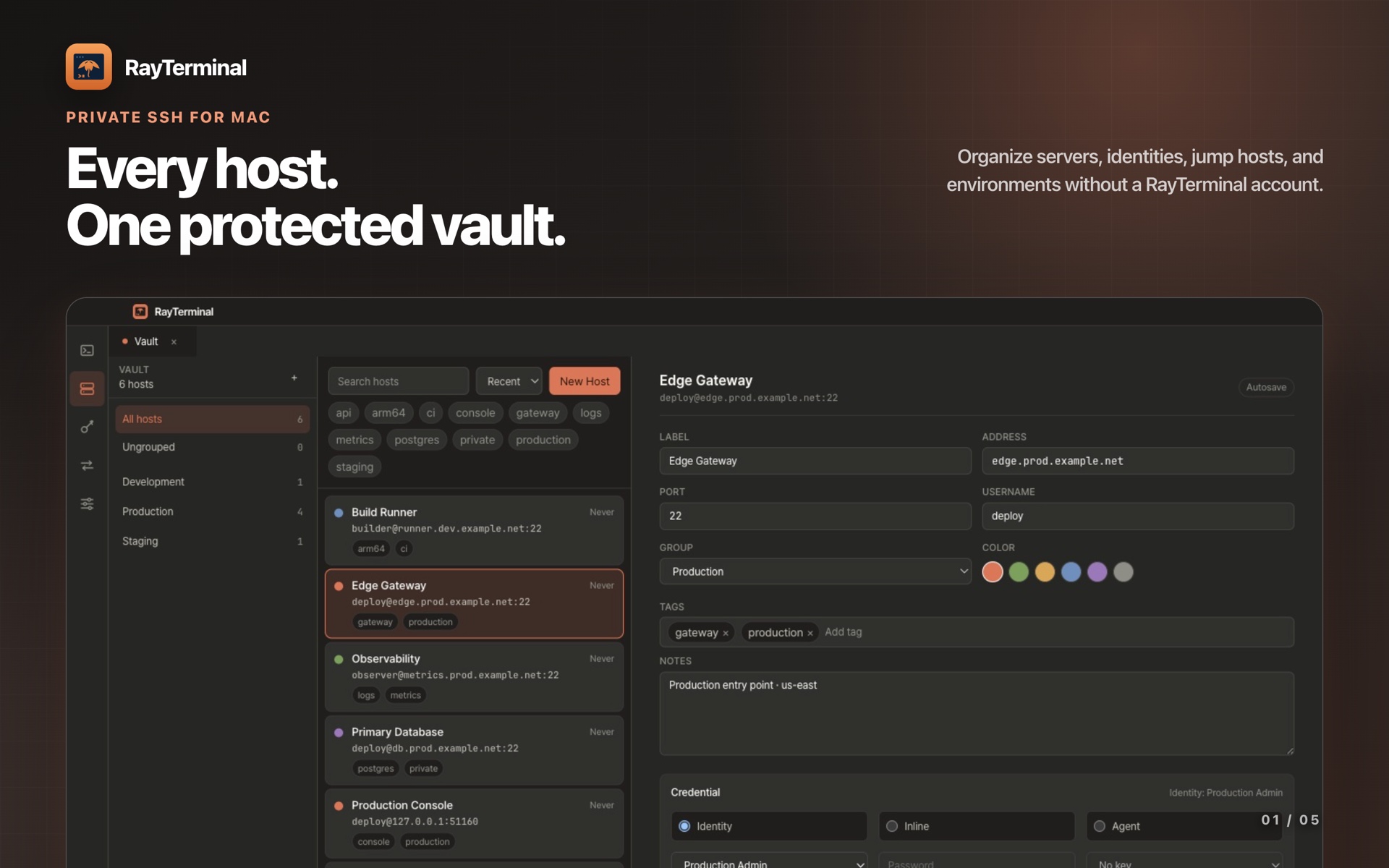
Hosts, groups, tags, identities, jump hosts, and proxies in one encrypted vault.
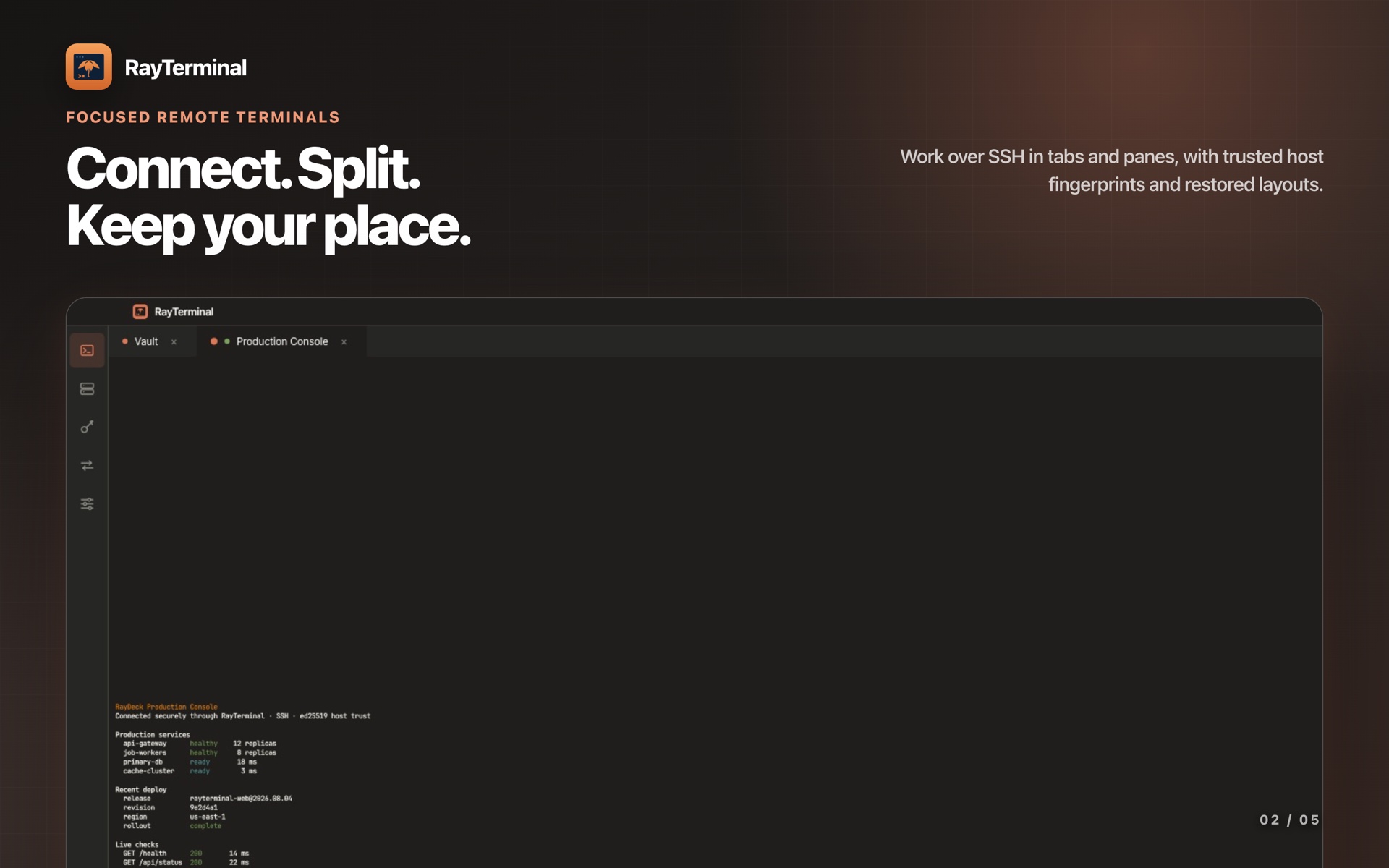
Tabs and split panes, verified host fingerprints, layouts that come back.
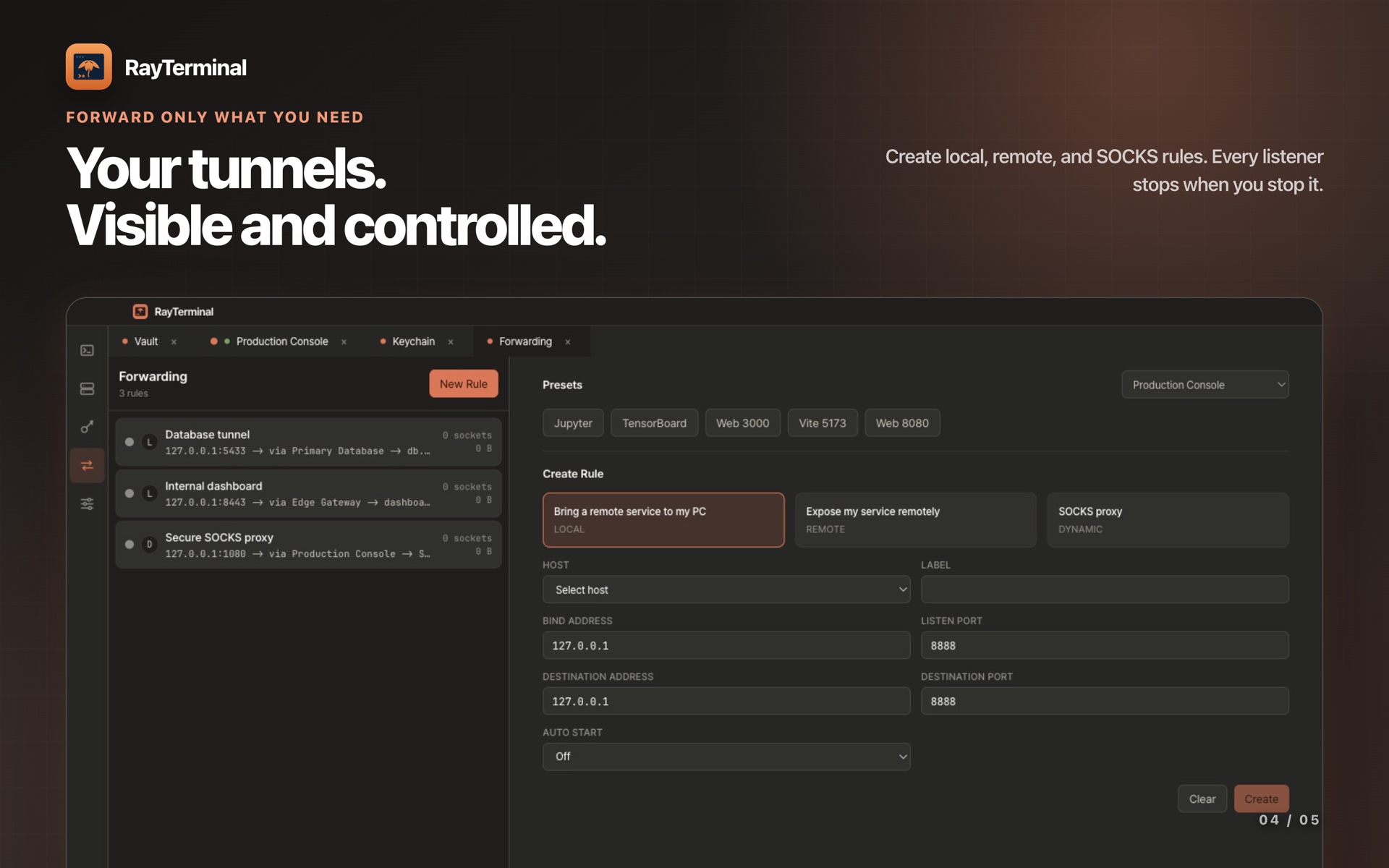
Local, remote, and SOCKS forwarding that stops when you stop it.
What it does
The context stays close to the terminal.
Connection details, keys, layouts, and tunnels in one focused Mac app. All of it stays on your Mac.
Encrypted host vault
Hosts, groups, tags, jump hosts, proxies, startup commands, and environment variables in one searchable vault. Secrets are encrypted with a key wrapped by macOS; fingerprints are checked on first use, and known_hosts imports in one step.
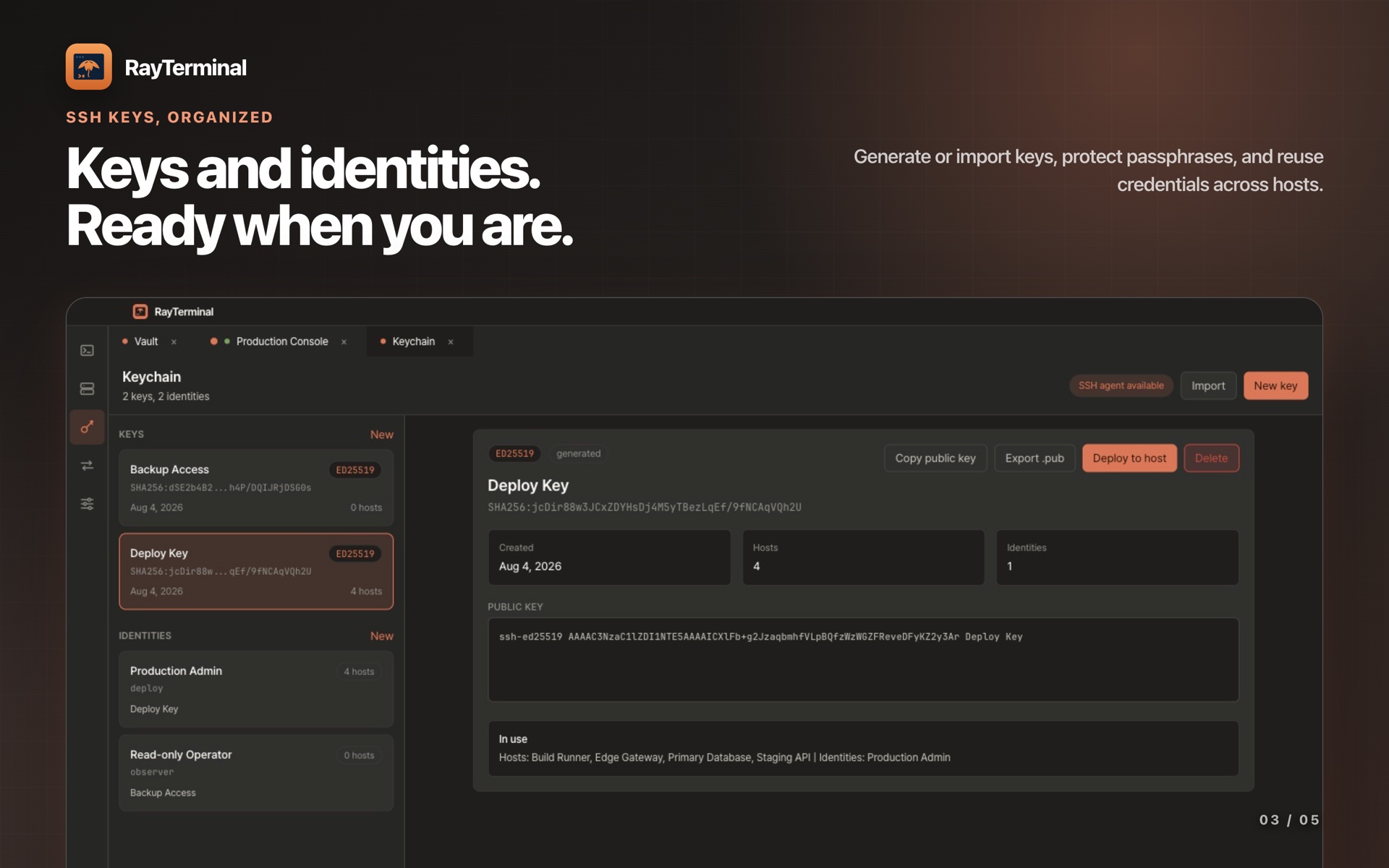
SSH keychain
Generate or import keys, protect passphrases, export public keys, and deploy authorized_keys entries. One identity serves many hosts — no credentials copied into each connection.
Focused remote terminals
Tabs and split panes with layouts that restore, searchable output, and a command palette. GPU rendering with a safe fallback; Korean, Japanese, and emoji input just work.
Port forwarding
Local, remote, and dynamic SOCKS rules, each with its own start behavior, all in one list. Listeners live only while the app runs — no daemon, no login item.
Optional encrypted sync
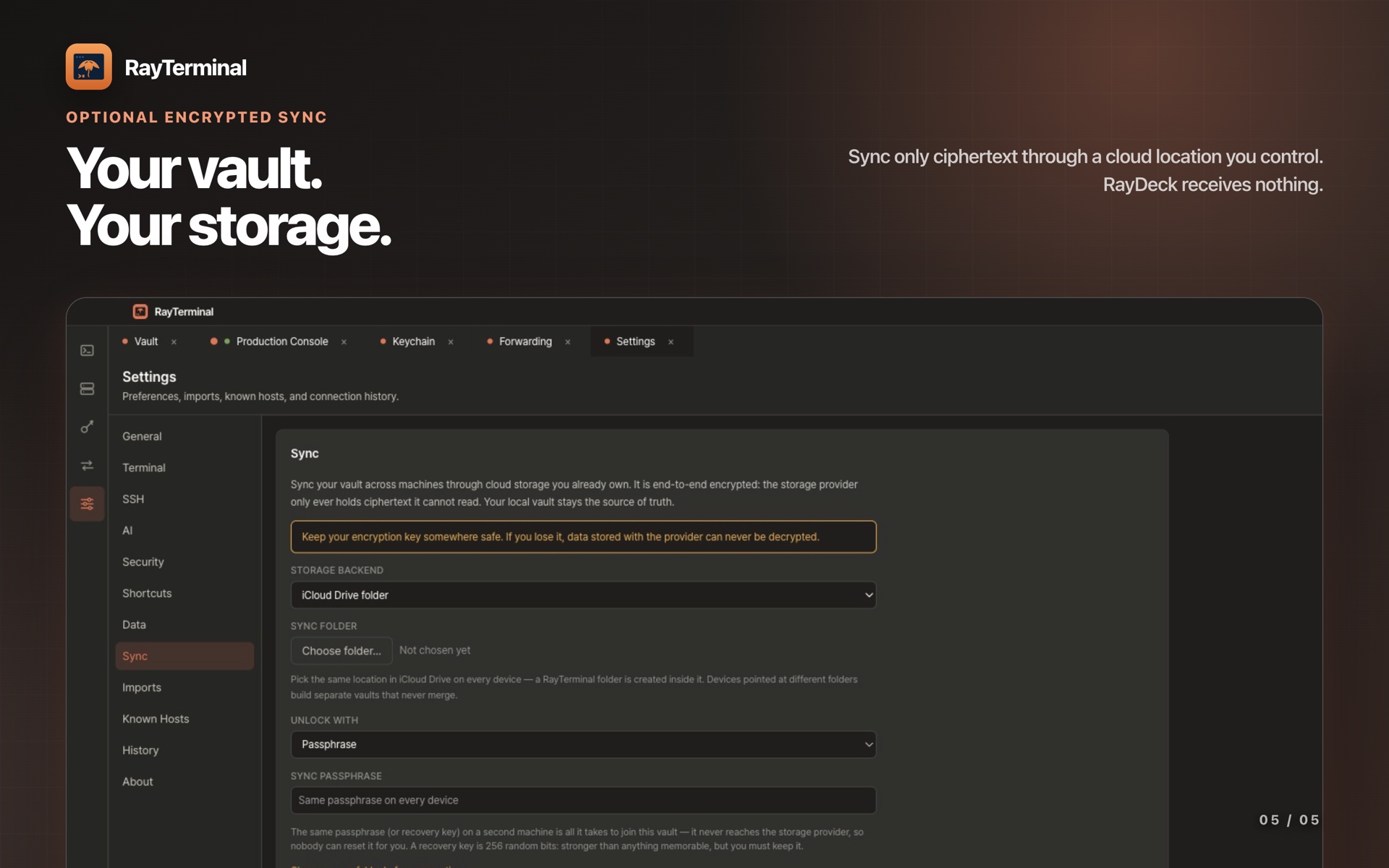
Ciphertext only, in storage you already own — an iCloud Drive folder or your Google Drive. Off until you turn it on; RayDeck runs no sync server.
No account, nothing to track
No RayTerminal account, no analytics, no tracking SDK. SSH goes straight to your hosts, and the App Store delivers updates.
A closer look
Five screens, one workflow.
Terminals, keychain, forwarding, and sync, as they appear in the app.
Get RayTerminal
Coming soon to the Mac App Store.
The macOS build is in its final checks. The download badge appears here the day it is live.
macOS
Sandboxed build, installed and updated through the Mac App Store. SSH-only, no local shell. Requires macOS 12 or later.
Mac App StoreQuestions or feedback
Support is by email — for the app, the listing, or the privacy policy.
Email op@raydeck.app